 SnapLoop
Shared Event photos, sorted for you
Never chase for photos again.
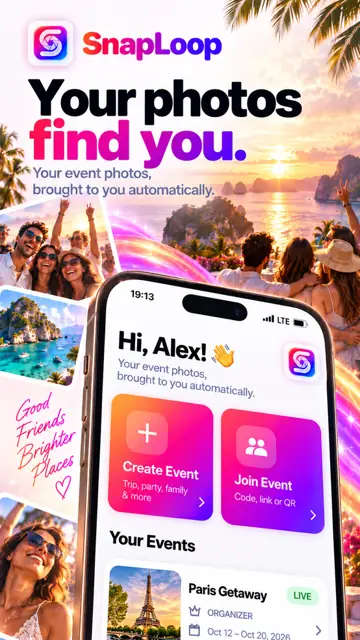
Your photos find you automatically.
SnapLoop brings them to yours. Create an Event, invite your people, and each guest gets the photos they're in from everyone's phones. No chasing friends. No group-chat dumps.

For Android 8.0 and later.
Why SnapLoop
After every event, the photos you're in end up scattered.
They're on your friends' phones, buried in camera rolls, and nobody gets around to sending them.
Spread across phones
Everyone took pictures. The ones of you are on everyone else's phone, not yours.
Nobody wants to sort
Picking out who is in which photo, then sending each one, is a chore nobody finishes.
Group dumps overshare
Sharing whole albums sends everything to everyone. SnapLoop sends people the photos they're in.
How it works
Four steps from "send me those" to done.
- STEP 01
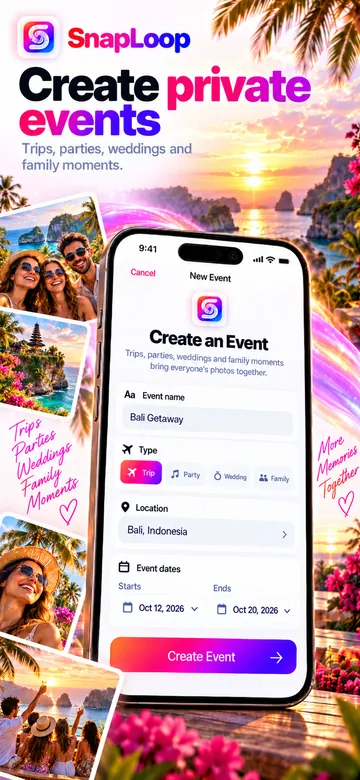
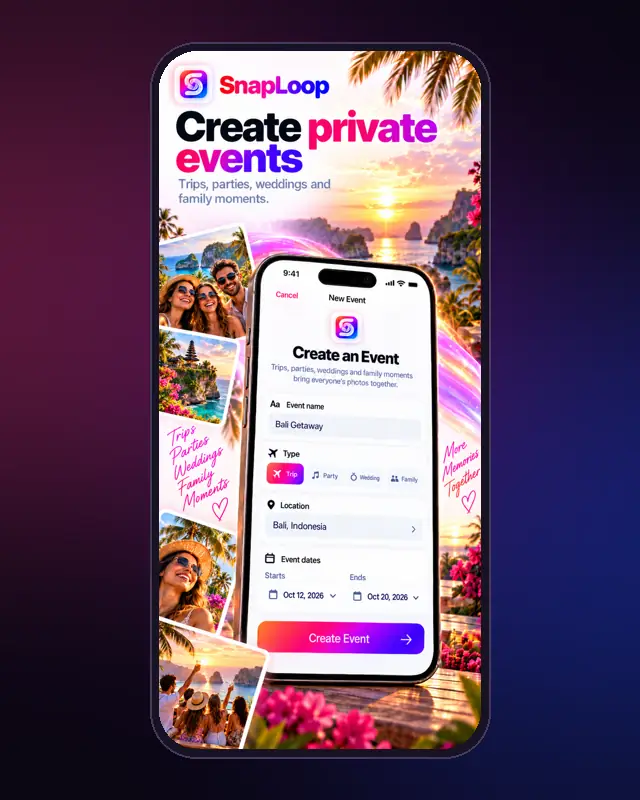
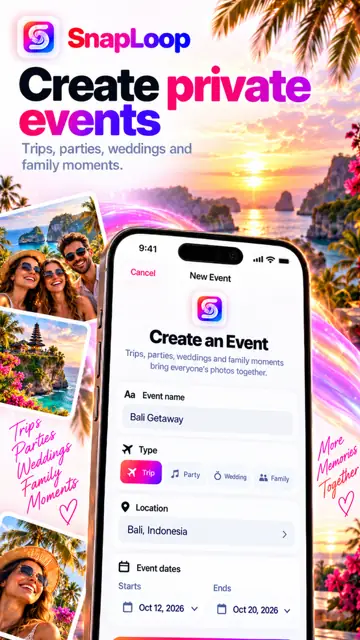
Create an Event
Name it, pick the type, and set the dates. SnapLoop only looks at photos taken within those dates.
- STEP 02
Invite your people
Share a code, an invite link or a QR code. Guests sign in and choose whether to join.
- STEP 03
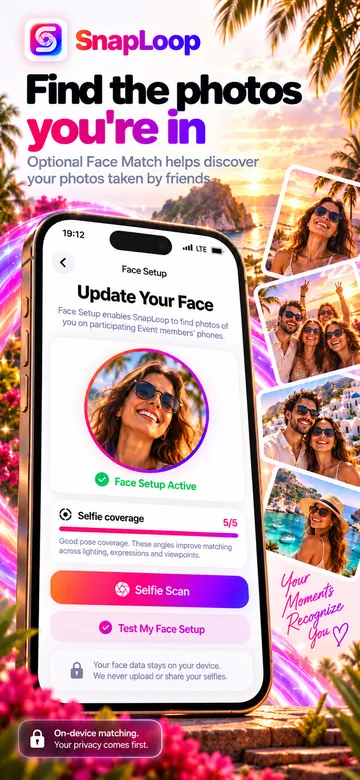
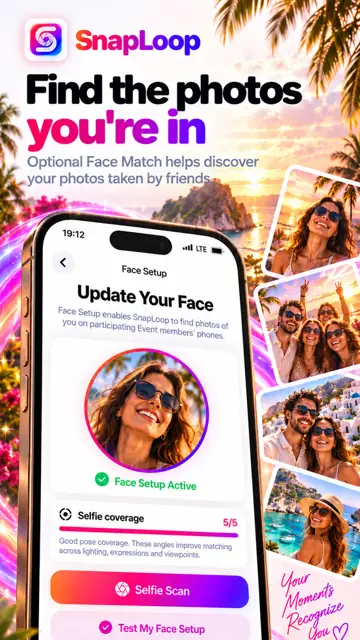
Set up Face Match
Optional, and only with your consent. Your Face Setup selfie stays on your device.
- STEP 04
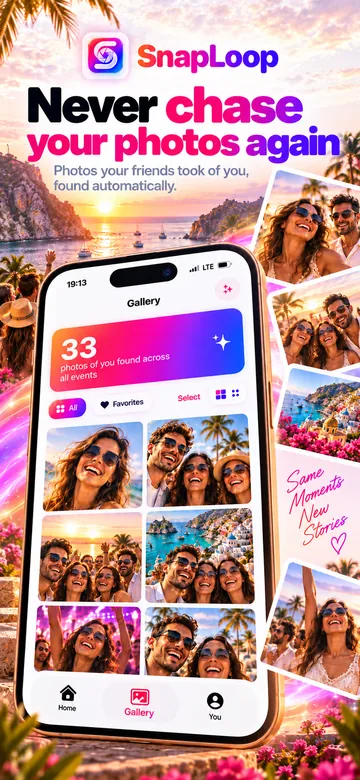
Get your photos
Photos of you from other participants' phones show up in your gallery. Save the ones you want.
In motion
SnapLoop in seconds.
Short clips from the app's own screens.
Demo
See the whole loop.
Use cases
Made for the moments everyone photographs.
Weddings
Guests capture moments the official album misses. Give each guest the shots they're in without anyone building a shared album by hand.
Parties, birthdays and trips
After the weekend away or the birthday night, everyone gets their photos from everyone's phones. No more "can you send me those?"
School and campus events
Club nights, grad trips and campus events with a group of friends. One Event code, and photos find the people in them.
Organizers and photographers
Set up the Event, put the QR code on a table card or slide, and let participants' phones do the sorting. Events currently hold up to 30 people, so it suits smaller gatherings best.
Privacy by design
Private sharing, person to person.
SnapLoop is built so people get their own photos, not so everyone sees everything.
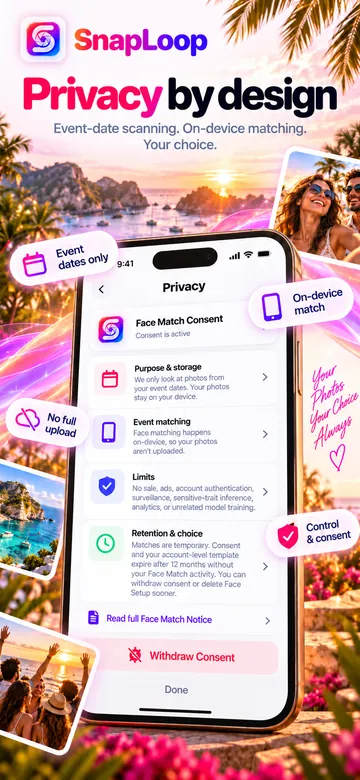
- Your selfie stays on your phoneFace Setup photos stay on your device. With your consent, SnapLoop stores numerical face templates to find you in Event photos.
- Matching on the contributing phoneFaces in eligible Event photos are processed on the phone that took them, only to find matches for that Event.
- Never your whole librarySnapLoop does not upload your photo library. Only photos within the Event's dates are considered.
- Optional, and in your controlFace Match is opt-in, for adults, and may not be available everywhere. Withdraw consent or delete your Face Setup anytime.
- Short-lived by defaultEvent cloud data is scheduled for deletion within 15 days after the Event ends.
- Not for adsSnapLoop does not sell biometric information or use it for advertising.
Read the full Privacy Policy and Terms.
FAQ
Questions, answered.
What is SnapLoop?
SnapLoop is a photo-sharing app for Events like trips, parties and weddings. Everyone joins the same Event, and SnapLoop helps each person find the photos of themselves that were taken on other participants' phones, so nobody has to chase friends for pictures.
How does SnapLoop find my photos?
With optional Face Match, you do a quick Face Setup with a selfie. Participating phones then check only their photos taken within the Event's dates and deliver matching photos to you. Your Face Setup selfie stays on your device, and SnapLoop never uploads anyone's entire photo library.
Is Face Match required?
No. Face Match is optional and needs your express consent first. It is intended for adults, and it may not be available in every location. You can withdraw consent or delete your Face Setup in the app at any time.
Does everyone at the Event need the app?
Yes. Each participant installs SnapLoop, signs in with a verified phone number, and joins the Event with a code, invite link or QR code. Each member decides whether their phone contributes Event photos.
Is SnapLoop available on iPhone?
SnapLoop is available for Android on Google Play today. An iPhone version is coming soon.
How many people can join an Event?
An Event currently supports up to 30 participants, and an Event can cover up to 15 calendar days.
How long do my photos stay in SnapLoop?
Event-related cloud data, including matched photo previews, is scheduled for deletion within 15 days after an Event ends or is deleted. SnapLoop is not a photo backup service, so save the photos you want and keep your own originals.
How do I delete my account?
You can delete your SnapLoop account from the controls in the app. Help and account deletion instructions are on the SnapLoop support page: support page
Contact
Talk to the team.
SnapLoop is built by AvenOrbit Labs Inc. in Toronto, Canada.
Investors and press
For investor conversations, press and partnership inquiries, email hello@snaploop.app.
Help and account deletion
For app help, privacy requests or deleting your account, visit the SnapLoop support page.
Stop chasing friends for your own photos.
Get SnapLoop for Android and bring everyone's Event photos together.